
SLA timers that pause when the customer goes quiet
Brightdesk now tracks first response and resolution targets per plan, and stops the clock while you wait on the customer.
On this page4 sections
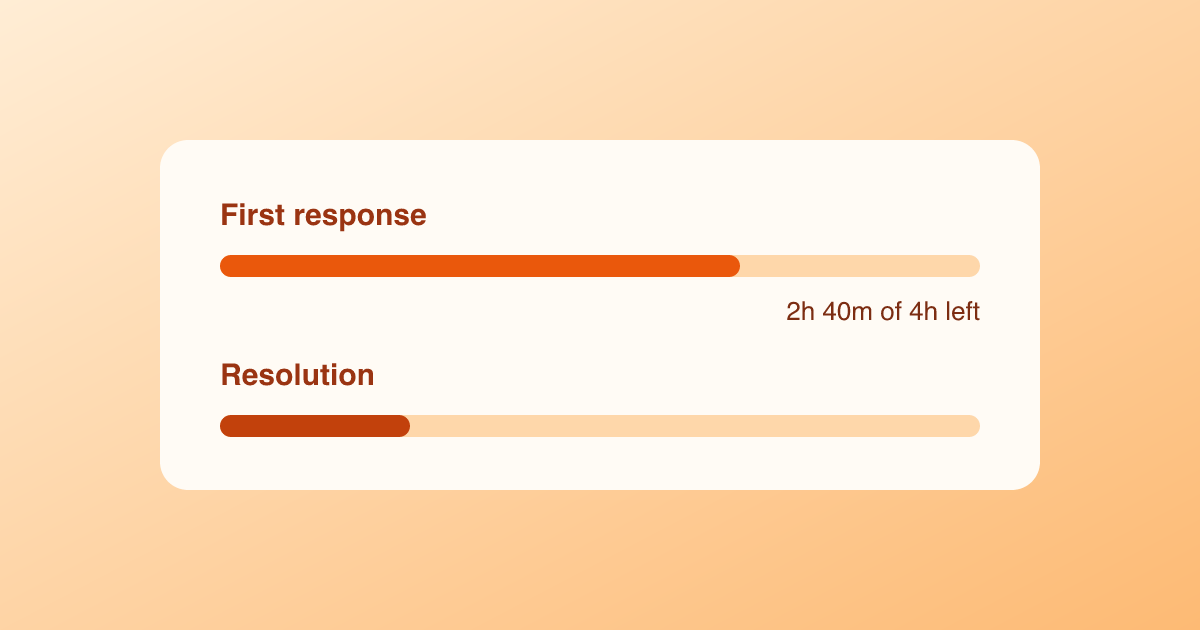
Most small teams promise a response time on their pricing page and then track it in their heads. Starting today, Brightdesk tracks it for you.
Two timers per ticket
Every new ticket gets two clocks:
- First response runs until someone on your team replies. Internal notes don’t count.
- Resolution runs until the ticket is closed.
Each timer shows in the ticket list as a thin bar that turns amber at 75% and red when the target is missed. Sort by Due soonest and your queue becomes a to-do list.
The clock stops when you’re waiting
A resolution timer that keeps running while the customer is on vacation is useless. When you set a ticket to Waiting on customer, Brightdesk pauses the resolution timer. It starts again the moment they reply.
Targets per plan
Most teams sell support as part of a plan, so targets follow the customer’s plan. Brightdesk reads the plan from your Stripe or Paddle subscription, or from a plan field you send with the contact.
| Plan | First response | Resolution |
|---|---|---|
| Free | 2 business days | none |
| Pro | 4 business hours | 3 business days |
| Business | 1 business hour | 1 business day |
These are defaults. Change them under Settings → SLAs.
What beta teams saw
Across 60 teams in the beta, missed first-response targets dropped from 14% to 4% in four weeks. Nobody worked longer hours. The overdue tickets were simply at the top of the list instead of page three.